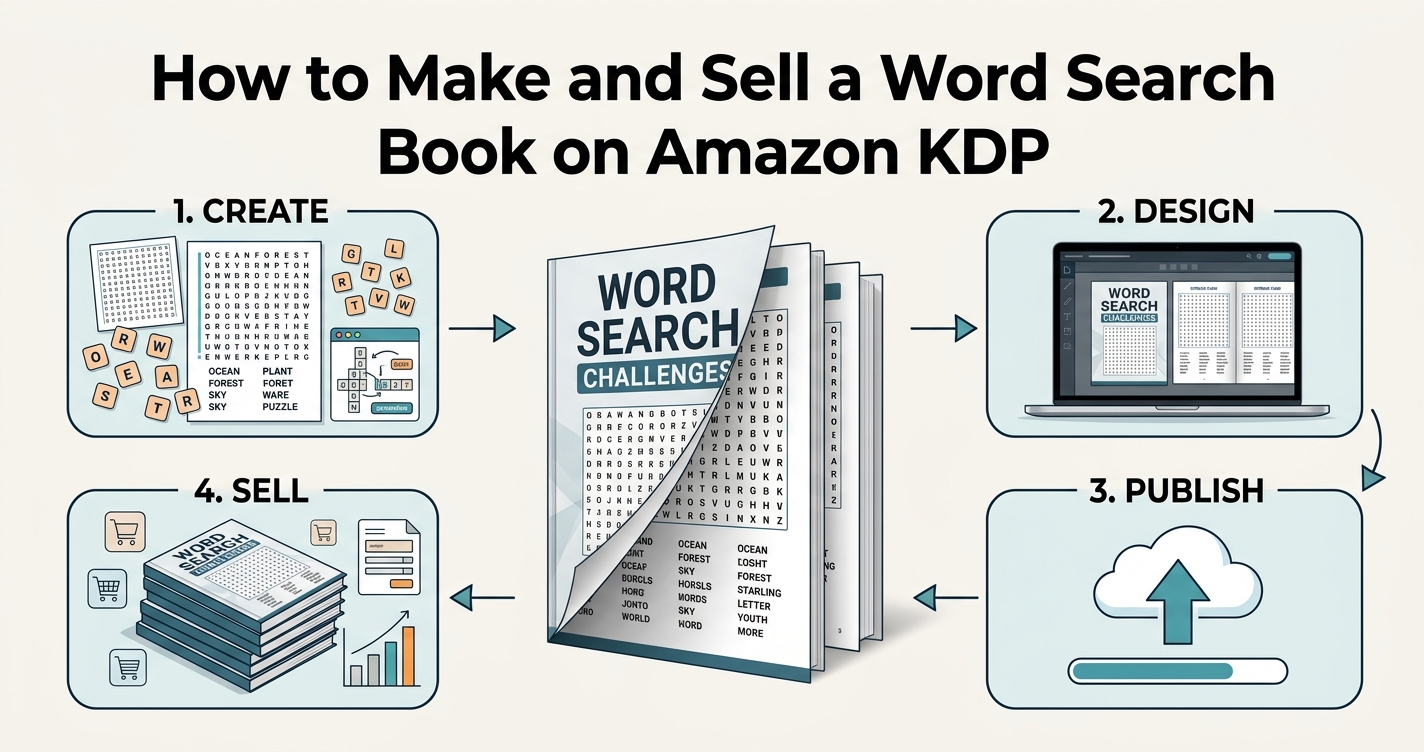
Puzzle books are one of the few self-publishing categories where the product is genuinely reproducible: the same process makes the second book and the twentieth. The work is in getting the interior right once.
This is the practical version — the decisions that matter and the ones that get files rejected.
Pick the trim size first
Everything else follows from it. 8.5 × 11 inches is the default for puzzle books, and for a reason: the grid gets enough room that a 15×15 puzzle stays comfortable to read for an older solver, which is a large part of this market.
6 × 9 is cheaper to print and looks more like a novel on a shelf, but a 15×15 grid at that size has small cells. If you use it, drop to 12×12 grids.
Do not mix trim sizes inside a series. Buyers who liked the first one expect the second to match.
Margins are where files get rejected
KDP rejects interiors whose content falls outside the printable area. Two numbers matter:
| Setting | Minimum | Safe choice |
|---|---|---|
| Outside margins (top, bottom, outer) | 0.25 in | 0.5 in |
| Inner margin (gutter), 24–150 pages | 0.375 in | 0.5 in |
| Inner margin, 151–300 pages | 0.5 in | 0.625 in |
| Resolution | 300 DPI | 300 DPI |
The gutter is the one people get wrong. It is the inner edge where the pages are bound, and it swallows more paper as the book gets thicker. A puzzle that looked centred on screen ends up shifted into the spine.
The simple protection: use a 0.5 inch margin on all four sides. It satisfies every page count up to 300 pages without you having to recalculate, and the small amount of lost space costs nothing on an 8.5 × 11 page.
On resolution: 300 DPI is a requirement, not a suggestion. A grid exported at 150 DPI looks fine on a monitor and prints with visibly soft letters.
How many puzzles
Count in pages, not puzzles. A typical layout is one puzzle per page, with the answer keys grouped at the back — usually four to six keys per page, since a solution grid can be printed smaller.
- 80 puzzles → 80 pages + about 16 pages of keys + front matter ≈ 100 pages
- 100 puzzles → about 125 pages
- Below 24 pages KDP will not print a paperback at all
100 puzzles is a common size because it reads as substantial on the product page without pushing the print cost up. More than 150 and you are paying for paper that does not raise the price you can charge.
Build the interior
- Decide the theme and the difficulty band before generating anything. A book of unrelated puzzles is harder to describe on the product page, and the description is what sells it.
- Generate each puzzle in the word search maker at the same grid size and the same direction settings. Consistency is what makes it feel like a book rather than a folder of printouts.
- Export each puzzle as PDF, puzzle only, no answers.
- Export the answer keys separately.
- Assemble in order: title page, how-to-play page, puzzles, answer keys.
- Merge to a single PDF and check every page at 100% zoom before uploading.
That last step catches more problems than any other. Look for grids drifting toward the spine, page numbers colliding with content, and any puzzle whose word list ran onto a second page.
The theme decides the sales
A generic word search book competes with thousands of identical ones. A specific one competes with a handful.
- Large print for seniors — an established, durable segment with real accessibility needs
- A single subject: birds, national parks, the periodic table, cooking terms
- Occasion books: a wedding, a baby shower, a retirement
- Language learning: themed vocabulary for beginners in a second language
Large print deserves a note. It is not just a bigger font — it means a smaller grid on the same page, so the cells are large. A 12×12 on 8.5 × 11 gives generous cells. A 20×20 in 'large print' is a contradiction, and reviewers say so.
The mistakes that cost the most
- Uploading at less than 300 DPI — the most common rejection.
- Forgetting the gutter and having puzzles vanish into the spine.
- Answer keys that do not match the puzzles, usually after regenerating a grid late and not re-exporting the key.
- A word list that overflows onto the next page in a few puzzles only, breaking the rhythm of the book.
- Claiming 'large print' on a dense grid.
The third one is worth a habit: whenever you regenerate a puzzle, re-export its answer key in the same session. Mismatched keys are the fastest route to one-star reviews, and they are invisible until a reader hits them.
Before you upload
Print one copy at home, on ordinary paper, and solve two puzzles with a pen. It takes twenty minutes and it surfaces everything a screen hides: cells too small, letters too tight, a word list you cannot read without leaning in.