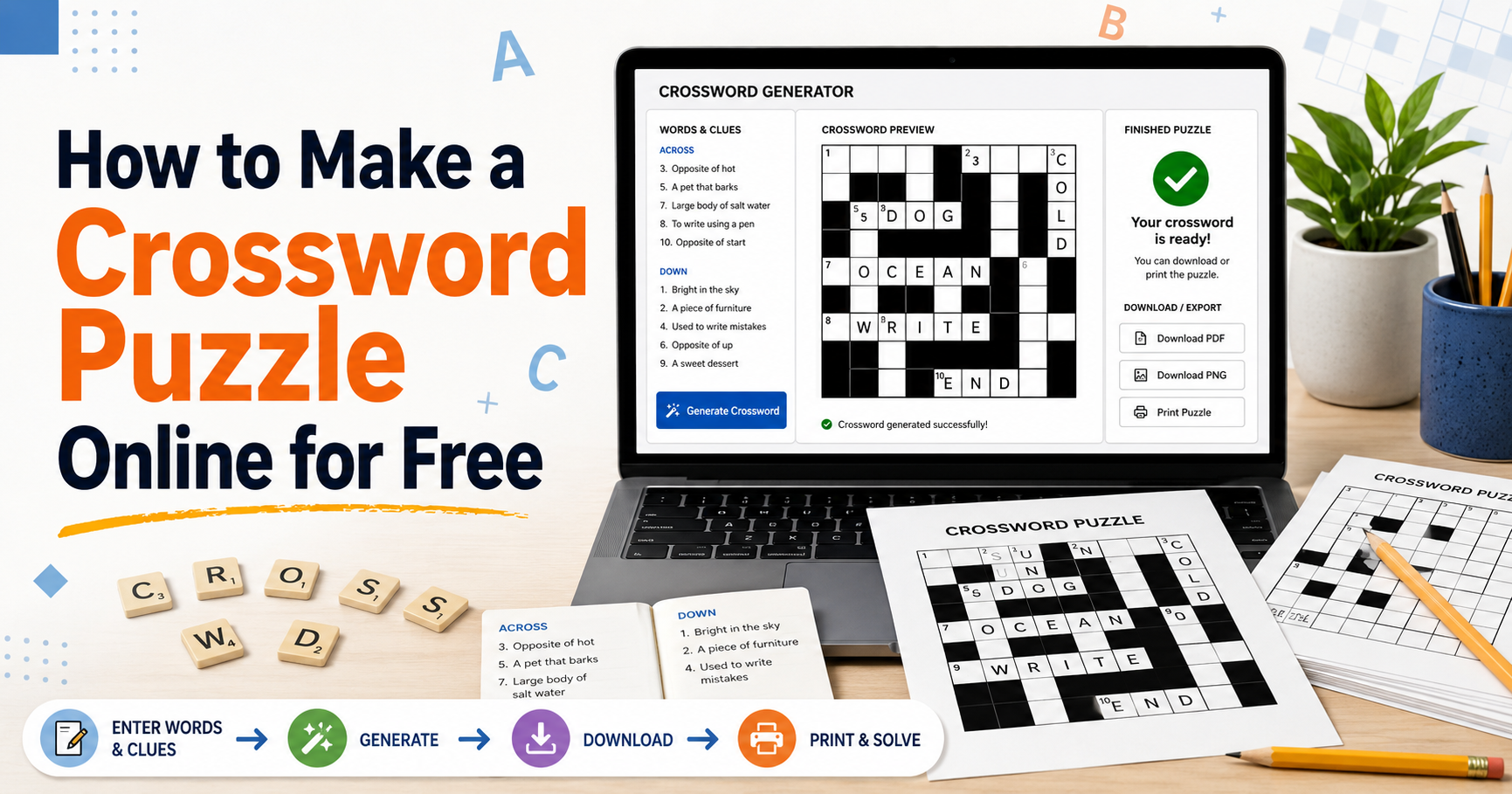
Making a crossword by hand means drawing a grid, fitting words into it, discovering the fit fails on word nine, and starting again. The fitting is the part software does well — which leaves you free to spend the time on the clues, which is where a crossword is actually won.
Here is the whole process in the crossword maker, start to finish.
1. Enter your words and clues
The input is one entry per line, in the form:
WORD : clue
So a science lesson might start:
- PHOTOSYNTHESIS : how a plant makes its own food
- CHLOROPHYLL : the green pigment doing the work
- STOMATA : tiny pores on the underside of a leaf
The colon is what separates the answer from the clue. Everything before it is the word; everything after is what the solver reads.
Twelve to twenty-five entries interlock comfortably. Below twelve the grid looks sparse; past twenty-five the placement engine starts leaving words out, and it may leave out the ones you cared about.
2. Let it build, then look at the grid
The grid is generated from your entries — you do not draw anything. What you should check is whether every word made it in, and whether the shape is reasonable.
If a word is missing, it did not fit. Two fixes: shorten the list, or replace the longest word with a shorter synonym. Long words need long clear runs, and in a compact grid there are few of those.
Press Generate again for a different arrangement of the same words. The words do not change; where they cross does.
3. Size the cells for the page
The Cell size control sets how large each square prints. This is the setting that decides whether your crossword is usable, and the right value depends entirely on who is solving it.
| Solver | Cell size | Why |
|---|---|---|
| Young children | Larger | Room for uneven handwriting |
| Classroom, general | Default | Fits a full grid on half a page |
| Large print | Largest | Fewer squares, more room in each |
Cell shape changes how the squares are drawn. It is cosmetic — pick whichever suits the sheet you are making.
4. Check it as a solver
Before printing, press Play and solve your own crossword on screen. It takes a few minutes and it catches the two things that reading cannot:
- The clue that made sense while writing it and none at all afterwards.
- The corner where three difficult words cross and there is no way in.
That second one is what gets a crossword abandoned. It is usually fixable by making one of the three crossings easier. Writing better clues covers the craft side in more depth.
5. Export
Choose Puzzle only for the sheet you hand out, and Answer key for your copy. Export as PDF for anything that goes on paper — it keeps the text sharp at any size, which a captured image does not.
Or skip the paper entirely: Share gives you a link that opens the crossword playable in a browser, with no account needed at the other end. That works better than a printout for a class with devices, and for anyone who is not in the room.
A note on cost
Building, playing, sharing and exporting a crossword is free and needs no sign-up. Saving projects to come back to them later is the part that needs an account.