A word search is the fastest custom puzzle to make — a list of words is the only thing you need to supply. The settings that follow are what turn it from a generated grid into a sheet worth handing out.
1. Paste your words
One word per line in the word search maker. Accented characters are converted automatically — CAFÉ becomes CAFE — because a grid mixing É and E gives the answer away. Words in non-Latin alphabets are rejected rather than silently mangled, and you are told which.
Duplicates are removed and anything under three letters is dropped. You get a count of what actually went in, which is worth glancing at: a list of twenty that reports eighteen means two were duplicates you did not notice.
2. Choose a grid size
This is the decision that determines whether the puzzle works. Too small and words get dropped; too large and the grid is mostly filler.
| Grid | Words | Suits |
|---|---|---|
| 10×10 | 8–12 | Ages 5–8, five-minute fillers |
| 15×15 | 15–25 | Classroom standard |
| 20×20 | 20–30 | Teens and adults |
| 30×30 | 60–90 | Themed puzzle books |
There is a second limit worth knowing about: past roughly 68% fill, the random letters start spelling your words by accident and the answer key stops being the only right answer. The full explanation is here.
3. Pick the directions
Word directions is an eight-way picker rather than an easy/medium/hard switch, because difficulty is not one dimension. What each choice does:
- Horizontal and vertical only — the gentlest. Right for ages 5–7.
- Add diagonals — a real step up. Eyes scan rows and columns naturally, diagonals not at all.
- Add backwards — roughly doubles the search time for most solvers.
- All eight — standard adult difficulty.
Diagonals add more difficulty than backwards words do, which surprises most people. If you want one step harder, add diagonals before you add reversals.
4. Style the sheet
The settings worth touching, and the ones to leave alone:
- Letter case — uppercase is easier to scan; lowercase suits early-years handwriting practice.
- Solution style — how found words are marked on the answer key. Capsules read best in print.
- Watermark text — for a book interior or a sample sheet you are sending someone.
- Line colour and background — leave at default unless you are printing in colour. Grey grid lines are harder work than black ones at any size.
5. Export or share
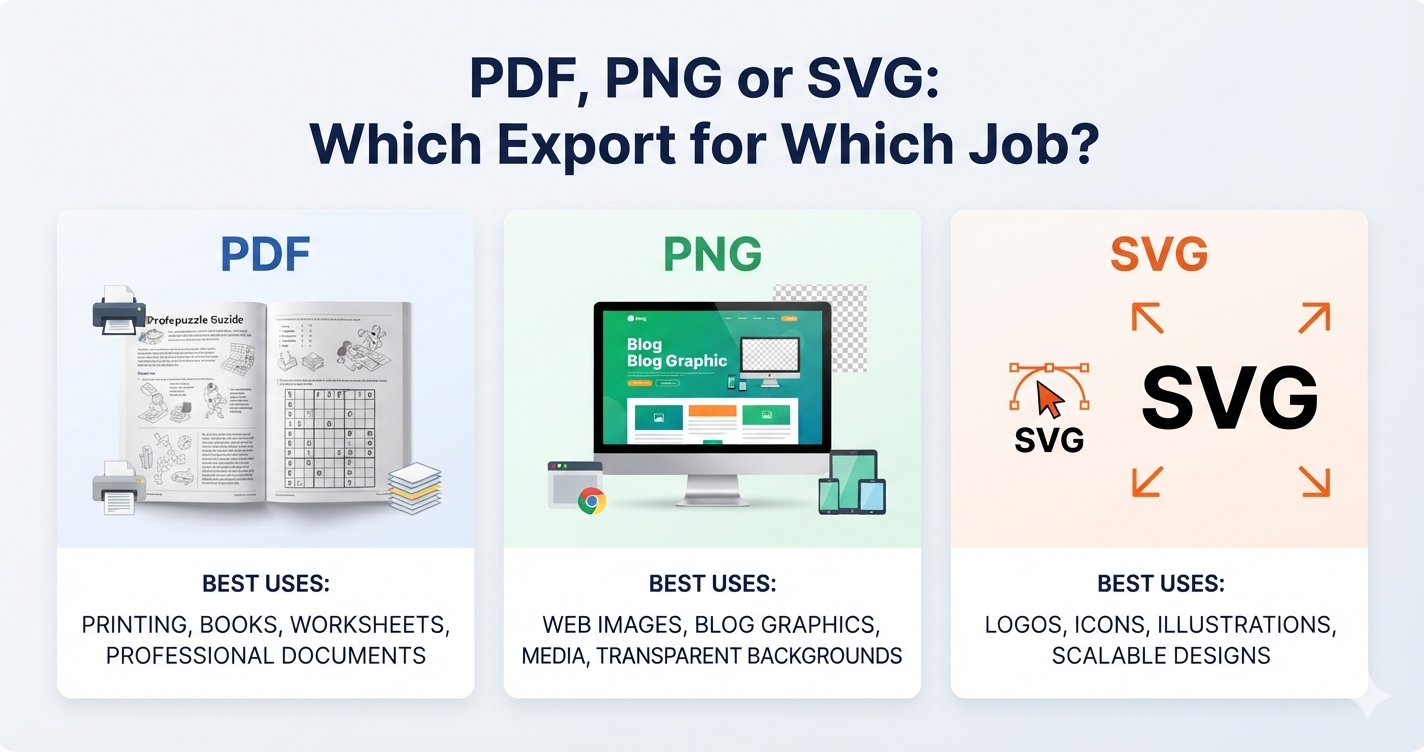
PDF for paper. PNG for a website or a message. If you are dropping the grid into your own page layout, tick the grid-only option and you get the bare grid with no title, list or margins. Which format for which job covers the rest.
Press Play to solve it on screen, or Share for a link anyone can play without an account — including on a phone.