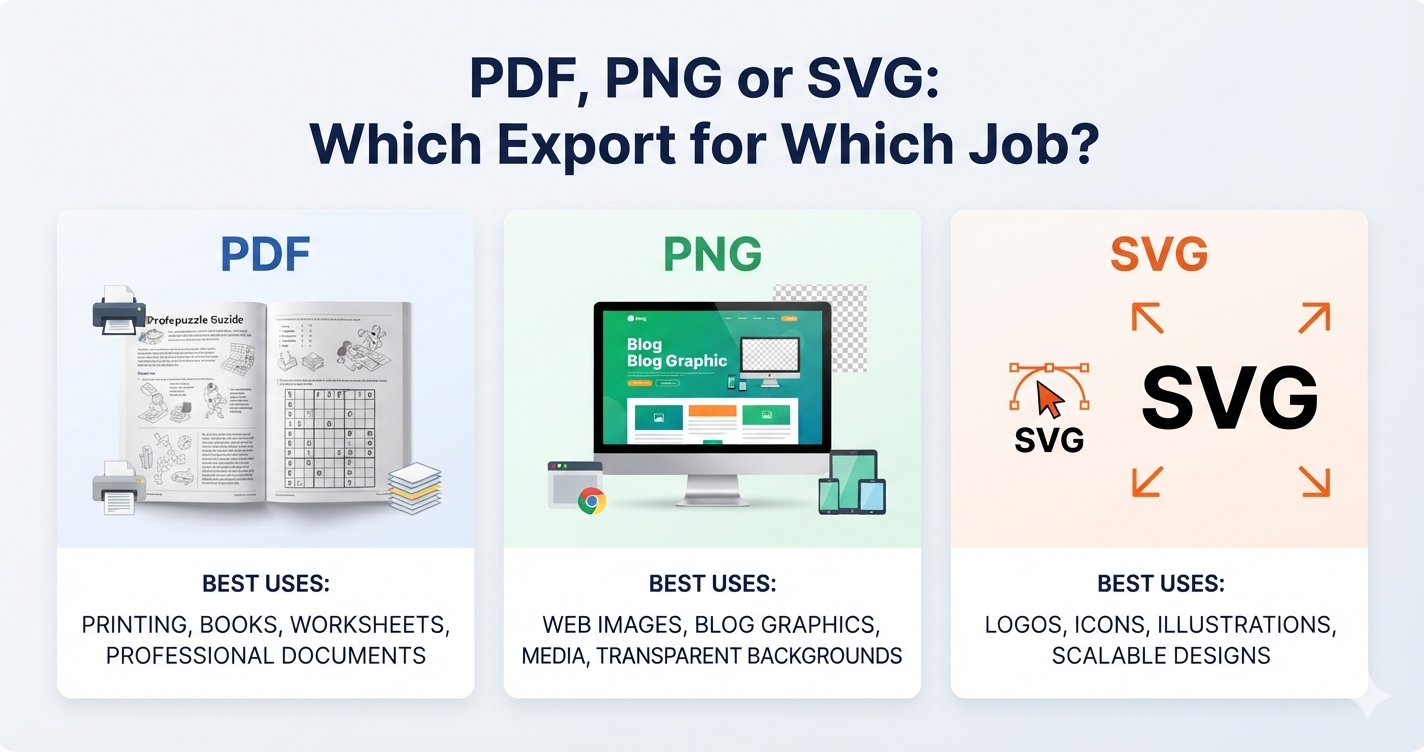
Three formats, three jobs. Most of the confusion comes from treating them as interchangeable, which they are not.
| You want to… | Use | Why |
|---|---|---|
| Print at home or in class | Fixed page size, text stays text, prints identically everywhere | |
| Publish a book interior | The only format KDP and most printers accept | |
| Post on a website or social | PNG | Opens anywhere, no download step |
| Edit in a design tool | SVG | Vector — resize to any size with no loss |
| Print a poster or banner | SVG | Stays sharp at any scale |
The mistake that costs the most
Exporting an image and sending it to print. It looks identical on screen to the PDF, which is exactly why it happens.
An image is a fixed grid of pixels. If it was captured at the size of a browser window — roughly 120 to 200 pixels per inch on a typical screen — then blown up to fill a page, the letters go soft. Not obviously wrong; just faintly blurred, in a way that reads as amateur without the reader being able to say why.
Print needs 300 pixels per inch, which is what a KDP interior requires. On US Letter that means an image 2550 pixels wide. A screen capture is nowhere near it, which is why our image exports are rendered at that resolution rather than captured at whatever size your window happens to be.
If you can only remember one thing: PDF for paper, PNG for screens.
Where SVG earns its place
SVG stores shapes rather than pixels, so it is sharp at any size — a grid exported as SVG can go on a poster with no loss at all.
It is also the format to use if you want to change something afterwards. Open it in a vector editor and the grid lines, letters and colours are all separate objects you can restyle. That matters if you are dropping a puzzle into a page layout with its own typography.
Its weakness is that not everything renders it. Some social platforms and older email clients will not display an SVG at all, which is why it is the wrong default.
A note on grid-only exports
If you are assembling your own layout — a book page with your own title and instructions — export the grid on its own rather than the whole sheet. You get the puzzle with no title, no word list and no margins, ready to place.
It saves the awkward step of cropping an exported page and discovering the crop is two pixels off on one side.